
Google updated how AI Mode and AI Overviews show links in mid-October 2026. For many small and medium businesses, these changes create a clearer path to visibility if your pages answer questions well and stay technically accessible. At Wevlopers we have been tracking how AI answers affect local and service-based sites in India, Australia, the UK, USA and the UAE. The updates do not replace normal SEO, but they reward the same practical work Wevlopers already recommends to clients.
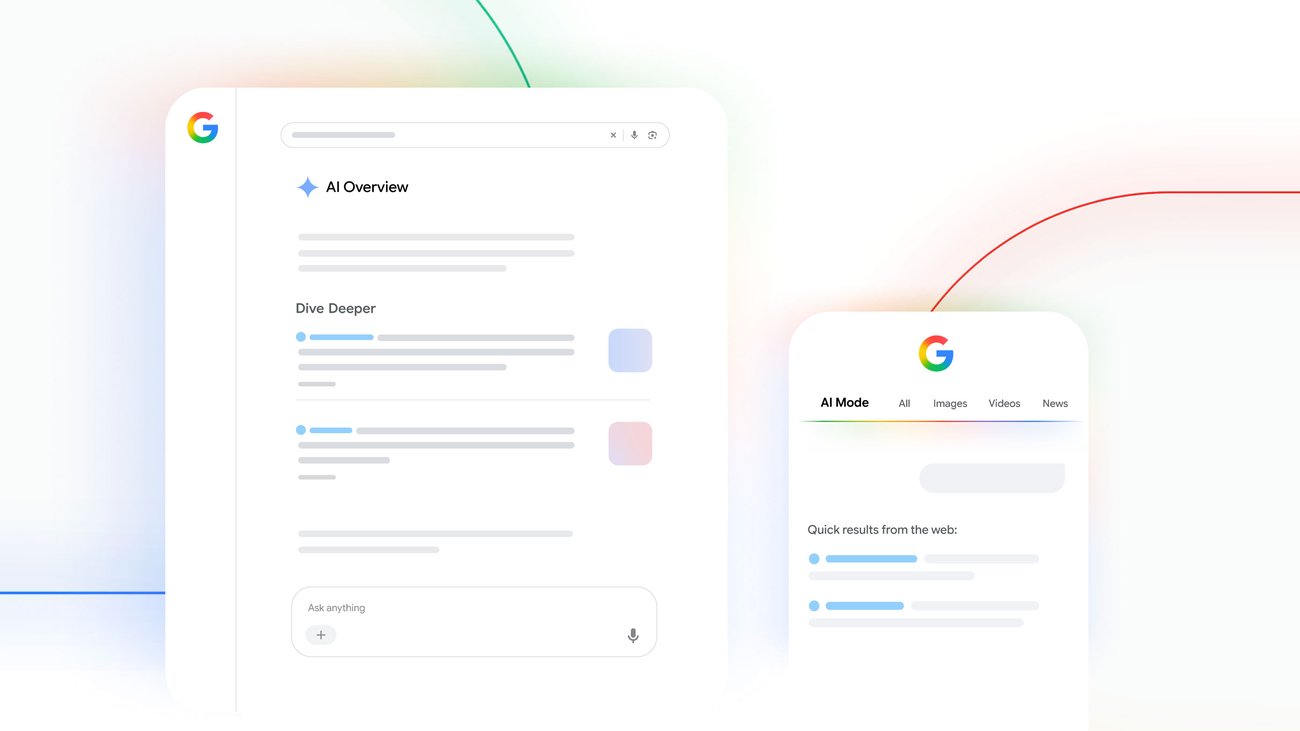
Inline links now appear higher and more often inside AI answers. Google is also testing a top section for the one or two official pages that complete a task, expanding news carousels, and making end-of-answer links more clickable with thumbnails. Preferred Sources usage has grown more than seven times since the start of the year. These shifts mean pages that give clear, useful answers have a better chance of being cited and clicked.
What Google actually changed on 15 October
On 15 October 2026 Google published five updates aimed at helping people explore the web from AI answers:
- More inline links placed higher – Links embedded in the words of the AI response appear more frequently and earlier.
- Official pages section (test) – For queries where one or two official pages are the right destination, Google is testing a dedicated block at the top with a short note on why each link is useful.
- Timely article carousels – Expanding to more locations and languages, with preference given to a user’s Preferred Sources.
- More clickable related links – End-of-answer links get image thumbnails and a stronger design.
- Clickable creator names (test) – On video results in AI Mode, names can link to the creator’s Search profile.
Google has not published click-through numbers for these specific changes. Independent studies continue to show that AI Overviews often reduce traditional organic clicks, so the practical goal is to earn the citations that do generate visits and to measure them in Search Console’s Generative AI report.
Five practical steps for small and medium businesses
You do not need a complete site rebuild. Focus on the pages that already answer customer questions.
1. Answer the question in the first few sentences
Pages that open with a direct answer are cited more often by both Google AI and ChatGPT. Rewrite the opening of your key service, location and FAQ pages so the main answer appears before any long introduction. Use a clear H2 that matches the question people actually search.
2. Keep important content in the initial HTML
Most AI crawlers do not execute JavaScript. If your prices, service lists or FAQs load only after page scripts run, those systems see an empty page. Check by viewing the page source or using a simple curl command. Server-render or statically generate the core text on every page you want cited. Wevlopers regularly finds this single issue blocking otherwise strong local sites from AI answers.
3. Allow the right AI crawlers and check your CDN
Confirm your robots.txt allows Googlebot, OAI-SearchBot, PerplexityBot and Claude-SearchBot. Blocking only the pure training bots (GPTBot, ClaudeBot, Google-Extended) is a reasonable choice if you want citations without contributing to model training. Also check Cloudflare or other firewall settings – some defaults now block AI crawlers even when robots.txt is correct.
4. Make structured data match the visible text
Use Organization, LocalBusiness, FAQPage or Service schema that reflects exactly what appears on the page. Inconsistent markup is ignored. For local businesses, keep your Google Business Profile complete: accurate categories, hours, photos and recent review responses. AI systems pull from both your website and your Business Profile when recommending local services.
5. Monitor and update
Open Search Console and review the Generative AI performance report. Note which pages already receive impressions. Compare those pages with your analytics to see whether the citations produce visits. Refresh high-value pages every few months with new examples, local details or updated pricing so the content stays current.

A simple checklist you can run this week
- Identify your top five pages that answer commercial or local questions.
- Rewrite the first paragraph of each so it answers the main question directly.
- Confirm the key text is visible in the raw HTML (view source).
- Test robots.txt and CDN rules for AI search crawlers.
- Add or update matching schema and verify in the Rich Results Test.
- Check Search Console Generative AI report and note current impression pages.
- Post one useful update on your Google Business Profile if you are a local business.
These steps take a few hours on most small business sites and produce measurable results within weeks when the underlying content is already useful.
Google’s October changes give clearer signals that useful, accessible pages can still earn clicks from AI answers. The businesses that treat AI visibility as an extension of normal good SEO – clear answers, technical access, accurate structured data and complete local profiles – will see the benefit first. If you want a second pair of eyes on your current setup, Wevlopers offers a free audit that covers traditional rankings, Google Business Profile health and AI citation readiness for service businesses.


